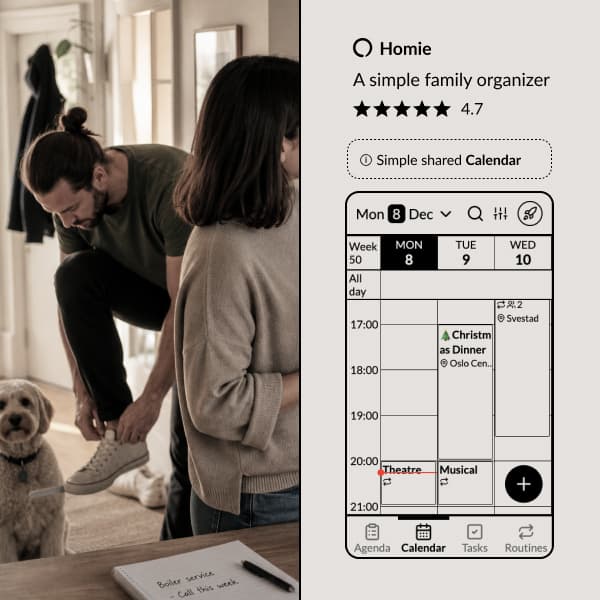
Here's how we've solved it in the Homie app:
made easy!
Notifications so you never forget an event.
Recurring events with support for exceptions.
Task lists on events — pack for the trip, prep for the meeting.
Reactions and comments on events — coordinate with family members.
Birthdays and anniversaries.
Holidays for your country.
View in Google, Apple, or any calendar app.
Import from Google, Apple, and more - with automatic updates.
Share events or entire calendars with anyone.
If you've ever tried to share a family calendar using Google, Apple, or Outlook, you know the pain. Someone forgets to add an event to the right calendar. Someone else's changes don't sync. The kids don't have accounts. It shouldn't be this hard.
We built Homie's calendar because we wanted something simpler: one calendar that everyone in the family can see and use, without the technical setup.
One calendar, one account
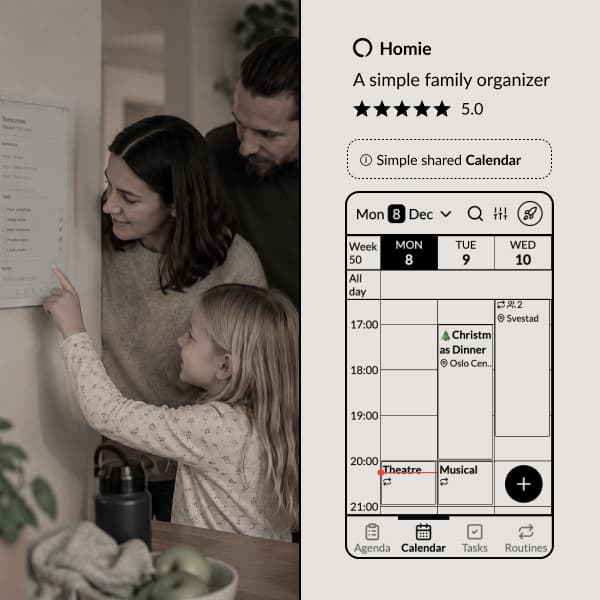
The whole family uses the same Homie account. No individual logins, no syncing between accounts, no "did you add it to the shared one?" confusion.
When someone adds a dentist appointment, everyone sees it. When plans change, everyone knows. That's it.
Multiple views for different needs
Not everyone looks at a calendar the same way. Homie gives you the view that works for your situation:
- Week view — See the whole week at a glance. Great for planning ahead.
- 3-day view — Focus on what's coming up soon.
- Day view — Detailed look at a single day.
- Month view — Big picture overview.
Switch between views with a tap. The information is the same—just presented the way you prefer.
Everything you need, nothing you don't
We didn't want to build "Google Calendar but for families." We built the calendar features that actually matter for family life:
- Notifications so you never forget an event
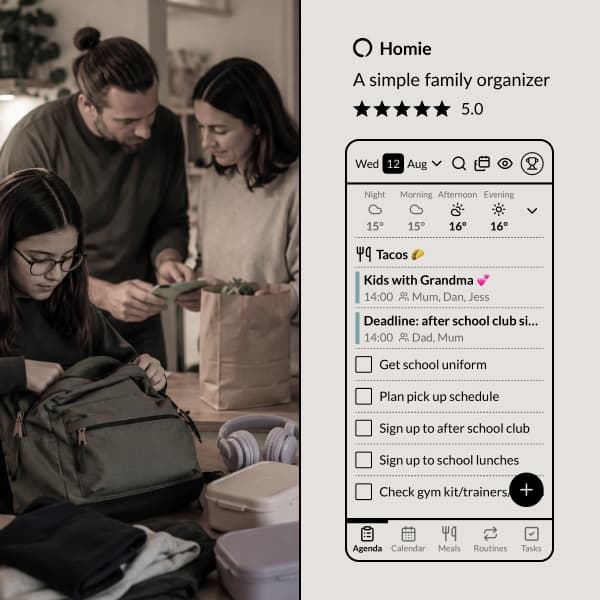
- Recurring events with support for exceptions (skip this Tuesday, reschedule that one), and the agenda shows how often each one repeats
- Your own colors for the events that matter most
- Emoji on events, so you spot them without reading
- Task lists on events — pack for the trip, prep for the meeting, remember everything
- Birthdays and anniversaries — add them once, see them every year
- Holidays for your country, built right in
- Import from Google, Apple, and more — with automatic updates
- View your Homie calendar in Google, Apple, or any calendar app
- Share events or entire calendars with anyone
Task lists on events
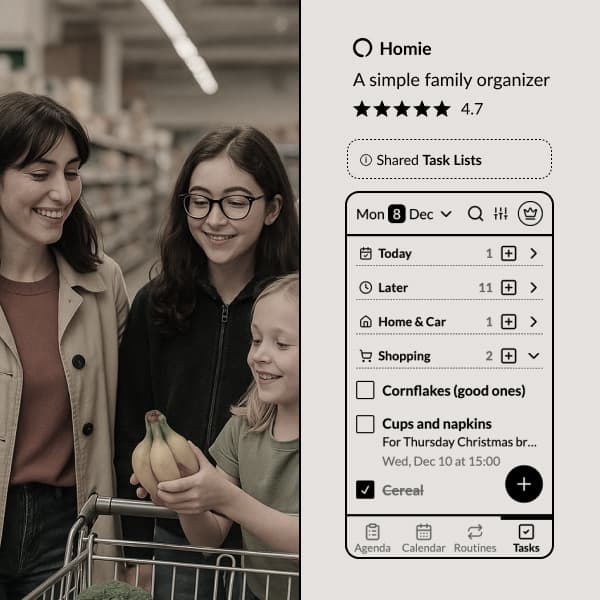
Some events need more than a time and place. Packing for a family trip. Preparing for a birthday party. Getting ready for the school play.
With Homie, you can add a task list to any event. Check off items as you go, and everyone in the family can see what's done and what's left. When the event arrives, you'll be ready.
Make one event stand out
Every event takes its color from whoever it belongs to. That tells you whose it is, but not which one matters. Give an event its own color for the flight, the cup final or the hospital appointment, and it stands out for everyone.
The bright colors are kept for events only. So a red event means "this one's important", not "this one's Emma's".
Your week, every Sunday evening
One email on Sunday evening with the week ahead: what's on the calendar, what's for dinner, and anything due. Handy for the family member who doesn't open the app every day (yet).
It goes to everyone with an email address in their profile. Turn it off from the email itself, or under Settings, Email.
Reactions and comments
Coordinate around events without switching to a messaging app. React to an event with a quick emoji—thumbs up if you can make it, question mark if you're not sure. Add a comment when you need to share details or ask a question.
Everyone in the family sees reactions and comments right on the event. It's a simple way to stay aligned without cluttering up your group chat.
Works on any device
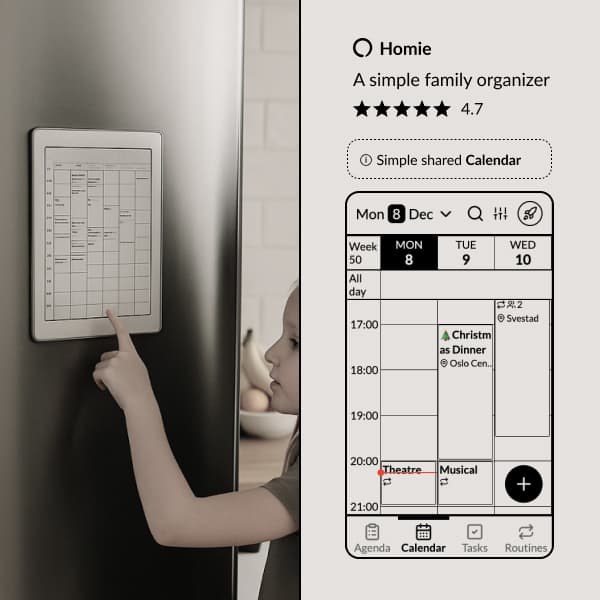
Mount a tablet on the fridge. Check your phone while you're out. Pull it up on your laptop. Homie's calendar works everywhere, and changes sync instantly.
We designed Homie to work beautifully on e-paper tablets like the Onyx Boox—always visible, no glowing screen competing for attention.
Bring your existing calendars along
Already have events in Google Calendar, Apple Calendar, or Outlook? Subscribe to them in Homie and see everything in one place. Your external calendars sync automatically—any changes you make in the original calendar show up in Homie within minutes.
You can also subscribe to public calendars like school schedules, sports leagues, or your kid's activity calendar.
Share your calendar your way
Need to share your family calendar with a grandparent, babysitter, or co-parent? Generate a link they can subscribe to in their own calendar app. They'll see your events without needing a Homie account.
You can also share individual events when you just need to send someone the details.
A calendar that helps you spend less time on your phone
We didn't add features to keep you in the app. No social features. No AI assistant. No feed of "suggestions." Just your family's events, clearly displayed.
The goal is to check the calendar, see what's happening, and get on with your day.
Ready to simplify your family's schedule? Try Homie free.
Ready to organize your family?
Try Homie free and see how simple family organization can be.