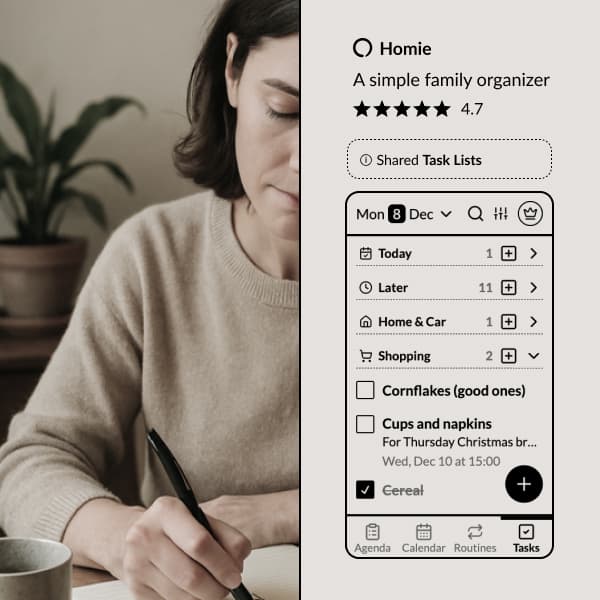
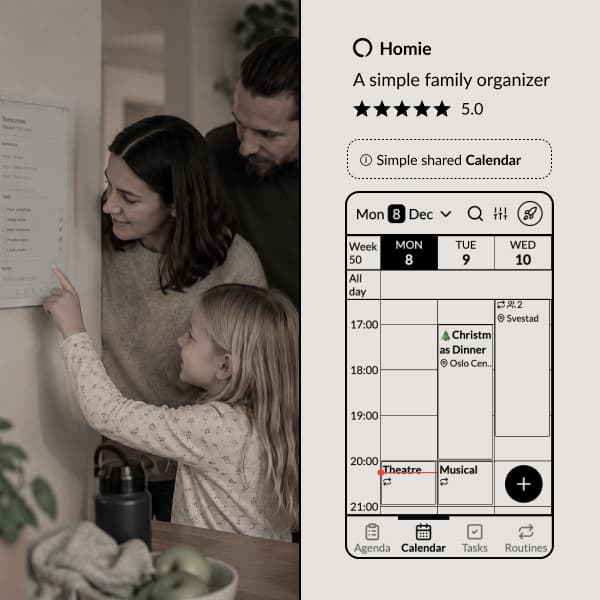
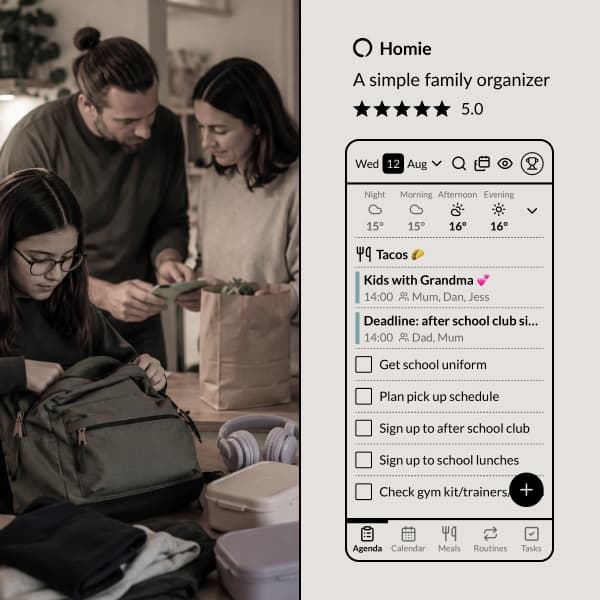
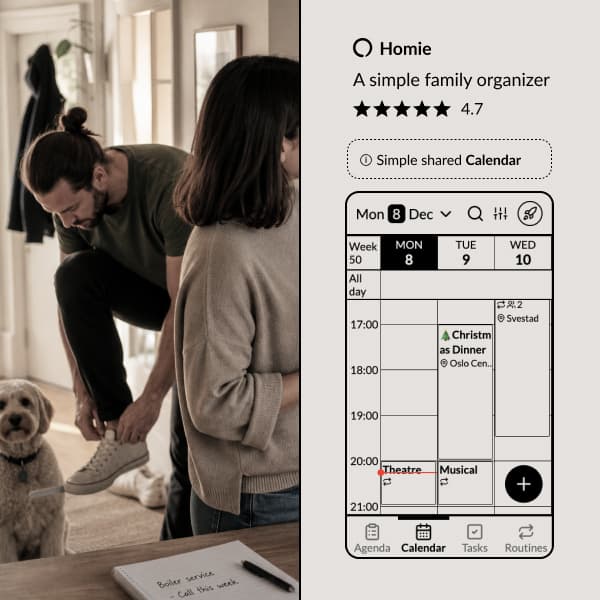
Here's how we've solved it in the Homie app:
to get things done together.
Organize tasks into lists that you can optionally share with other users.
Subtasks to break down big tasks into manageable steps.
Reactions and comments to communicate about tasks with family.
Notifications for important tasks.
Share links to task lists and allow anyone to collaborate, even without a Homie account.
Families have things to get done. Groceries to buy. Calls to make. Repairs to schedule. Things that need to happen but don't fit neatly into a calendar.
Homie's task lists are simple: add things that need doing, share them with the family, check them off when they're done. No complex project management. Just a shared view of what needs to happen.
Shared by default
When you add a task to Homie, the whole family can see it. No inviting people to lists, no syncing issues between accounts. Everyone sees the same tasks.
This means you can add "call the dentist" and your partner sees it. Either of you can handle it. When it's done, it's checked off for everyone.
Task lists for different areas
Organize tasks into categories that make sense for your family:
- Groceries — the running shopping list
- House stuff — repairs, maintenance, things to fix
- This week — time-sensitive tasks
- Someday — things to do eventually
Each family member can have their own task categories too. Personal errands. Work stuff to remember. School things for the kids.
Subtasks for bigger projects
Some tasks are really a collection of smaller tasks. Packing for a trip. Preparing for a party. Deep cleaning a room.
Add subtasks to break big things into manageable pieces. Check them off one by one.
Notifications when you need them
Set a reminder for tasks that have a deadline. Get a notification when it's time to deal with something. Don't get notifications for things that don't need them.
Reactions and comments
Need to add context to a task? Leave a comment. Want to acknowledge you saw something? Add a quick reaction.
Reactions and comments let family members communicate about tasks without switching to a messaging app. Ask a clarifying question, share relevant details, or just give a thumbs up to show you're on it.
Inbox, Today, Planned and Later
New tasks land in the Inbox until you decide what to do with them. Drag a task to Today if you'll do it today, to Planned to give it a date, or to Later to park it. Or tap When? and pick Tomorrow, This weekend, Next week or a date.
Putting something off is a real choice, not a date you have to make up. Tasks you've already sorted into lists stay where they are. This is just about the when.
Spot things at a glance
Give a task an emoji and it shows on the agenda and in the calendar next to the title. A cake for the birthday order, a tooth for the dentist. The right thing catches your eye before you've read a word.
Tasks from your notes
Some tasks start life in a note: the party plan, the packing list, the list of things to fix before the cabin trip. Give a checklist line in a note a date and it becomes a real task. It shows up in Tasks and on the agenda with the name of its note, and ticking it off in one place ticks it off everywhere.
Why shared visibility matters
In most families, one person tracks all the things that need to happen. They remind everyone else. They carry the mental load of household logistics.
When tasks are shared and visible, that load gets distributed. Anyone can see what needs doing. Anyone can check something off. You stop being the family's task manager.
Ready to share the load? Try Homie free.
Ready to organize your family?
Try Homie free and see how simple family organization can be.